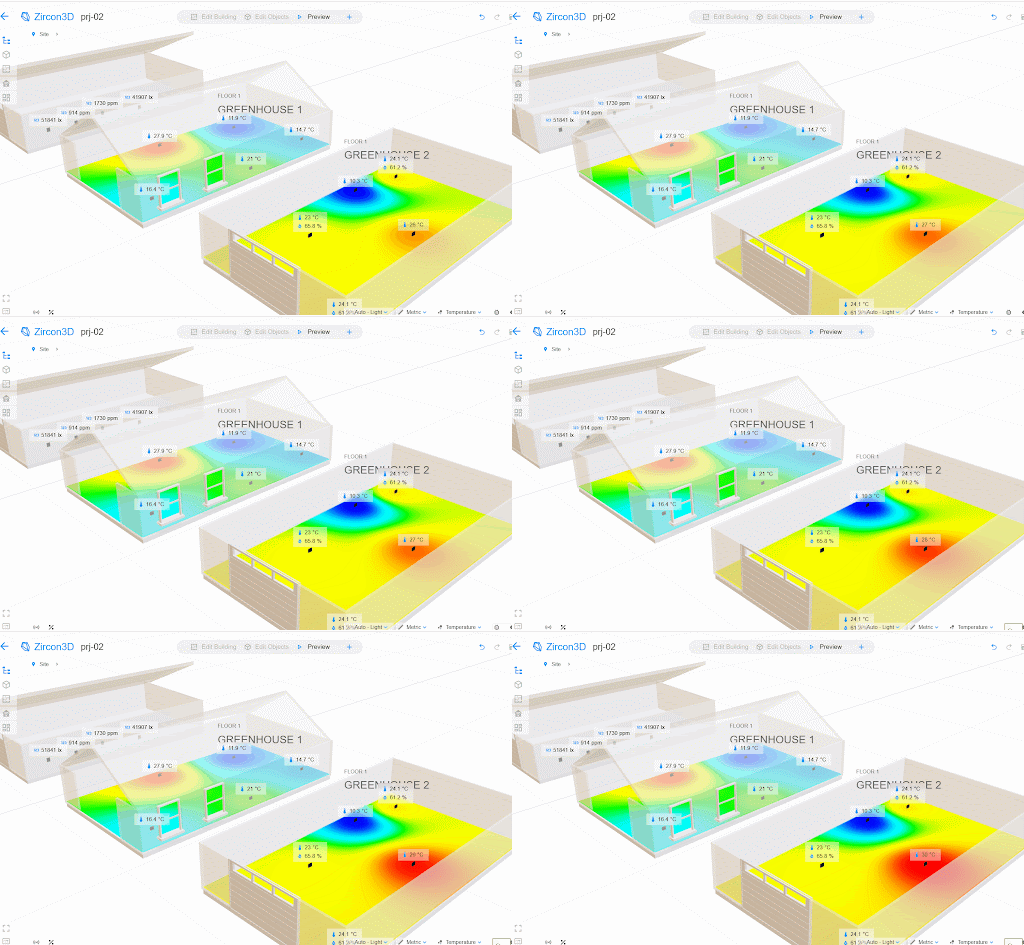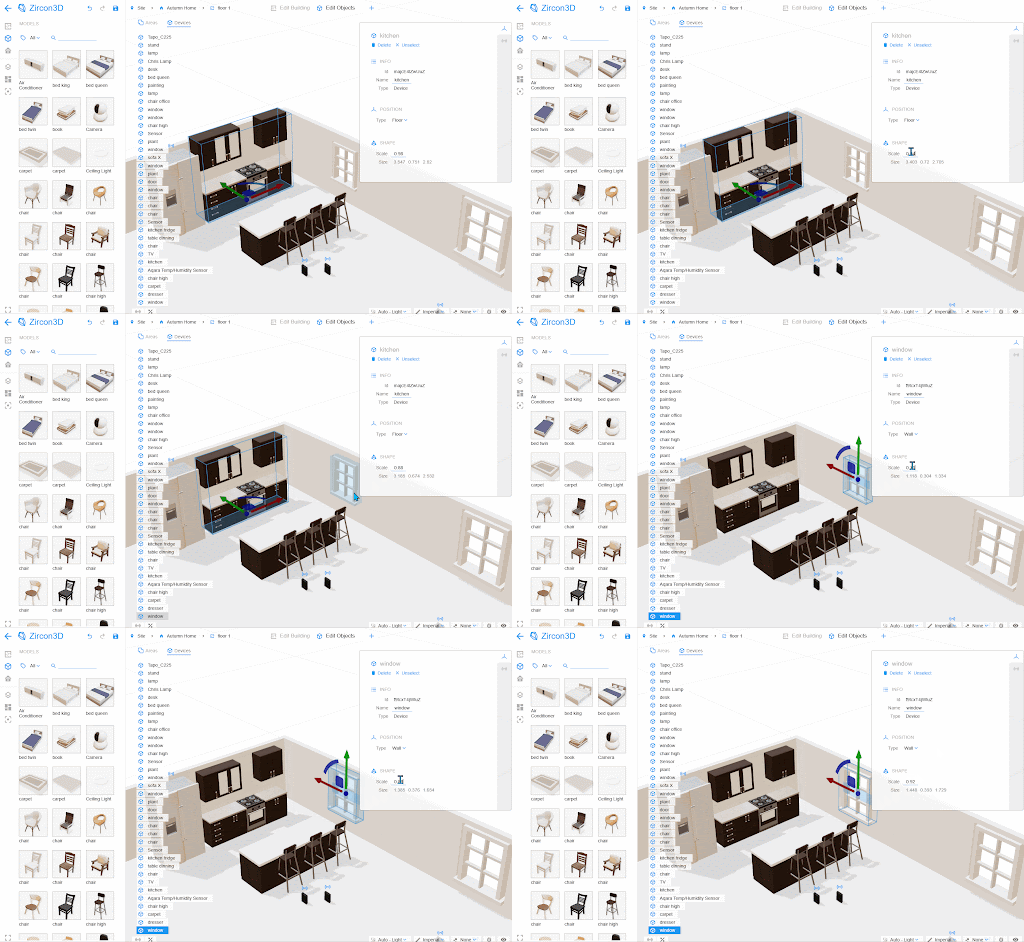
Hi, unfortunately we don't have this feature currently.
But that's an interesting idea and we do have this feature in our backlog, we will add it in near future, please stay tuned.
 C
C
chris
@chris
Posts
-
Door closed/open display -
Custom objectsHi Mitchell,
We don’t have this capability at the moment, but what you’re suggesting is a great idea.
Allowing users to add simple 3D primitives (like cubes or basic shapes) to block off areas and attach labels would be very useful in many scenarios. It also aligns well with Zircon3D’s visual philosophy, we intentionally favor simpler, abstract representations to keep data visualization clean and readable, rather than relying on detailed or decorative models.
This is something we’ve now added to our roadmap, and we do plan to implement it in a future update.
Thanks a lot for taking the time to share the idea, feedback like this really helps shape where the product goes.
-
401 Unauthorized every time I loadHi David,
This is unfortunately a known issue related to a Home Assistant API called ingress, which allows our add-on’s UI to communicate with its backend.
It appears that the ingress channel is only fully activated after the add-on UI has been opened at least once from Home Assistant. If the UI is accessed via a web card before that initial opening, Home Assistant may raise this error.
Workaround
As a workaround, our add-on also exposes port 11200, which bypasses Home Assistant’s ingress proxy entirely.
For example, instead of using this URL:
You can replace:
:8123/api/hassio_ingress/ym-tlrzEEeGSTSNCz7up0Gf3uqHboBU5NGFvBfH7AMYwith:
:11200So it becomes:
Additional notes
Home Assistant ingress has caused several issues beyond this one—some users have also reported unstable connections. Accessing Zircon3D directly through port 11200 is generally more stable and can help avoid these ingress-related problems.
It’s possible that the Home Assistant team will improve the ingress proxy in the future. Until then, this is currently the most reliable workaround.
Please give this a try and let us know if it works for you.
Thanks in advance,
Chris -
401 Unauthorized every time I loadHi David, thank you very much for reporting this issue. We’ll investigate it and get back to you as soon as possible.
-
[From Old Forum] Cannot find my sensorsFor your information, after further discussion within our development team, we’ve decided to add a built-in debug panel to Zircon3D. This panel will surface detailed runtime information that can help diagnose subtle connection and environment-specific issues like this one.
We plan to ship this improvement as a hotfix for Zircon3D v2.0 within approximately one week.
-
[From Old Forum] Cannot find my sensorsHi,
Thank you for reporting the issue.
The issue does look unusual. That said, WebSocket connections are inherently more complex than normal HTTP requests and can be affected by several layers in the system (ingress, proxies, network, etc.), which can sometimes lead to instability like what you’re seeing.
A few clarifications first:
-
The Zircon3D CLoud UI does not read sensor data directly from Home Assistant. This is by design, for privacy reasons, zircon3D addon never expose sensor data outside of home network.
-
Zircon3D does not officially support remote access via Nabu Casa or third-party tunneling/proxy services such as Cloudflare.
- While some users have managed to make this work, we’re unfortunately not able to guarantee stability or provide official support in those setups.
Based on the logs and your setup, the most likely causes (in descending order) are:
- An issue with Home Assistant ingress
- An issue with a reverse proxy involved in the setup
- A local network–level issue
- VM becomes unstable due to insufficient resources (CPU, RAM etc)
To help narrow this down, we’d like to check these one by one.
Step 1: Bypass Home Assistant ingress
As a first test, please try accessing the Zircon3D UI directly, bypassing HA ingress:
http://192.168.2.248:11200/Notes:
- Port
11200is an alternative way to access the Zircon3D add-on UI. It’s not normally required for daily use. - This direct access is expected to be more stable because it bypasses HA ingress, which in our experience can sometimes be unreliable for WebSocket traffic.
Please let us know:
- Does accessing Zircon3D via
http://192.168.2.248:11200/resolve the connection issue? - Does the connection indicator remain stable and do sensor values appear correctly?
Once we know the result of this test, we can advise on the next steps.
-
-
Welcome to the General Discussion board! Welcome to the General Discussion board!
This is the open space of our Zircon3D community — a place to chat, share ideas, or talk about anything related to smart homes, visualization, or 3D design.
Here you can:
- Share thoughts about Zircon3D and how you use it
- Discuss new ideas or trends in smart home visualization
- Post off-topic or fun discussions (as long as they stay friendly)
We’re glad to have you here, let’s keep it respectful, constructive, and inspiring.
 Your stories, projects, and experiences help others learn and spark new ideas!